
Install Shiplox on Shopify
Install the published app from the Shopify App Store and connect the store to the corresponding Shiplox merchant account.
 Shopify App StoreShiplox app
Shiplox connects your Shopify store to one sourcing and fulfillment workflow for product requests, supplier quotes, China warehouse handling, order import, packing, dispatch, and tracking updates.
Shopify connected to Shiplox
Store orders, products, and tracking remain linked.
Product request
Send a link, image, or Shopify product.
Quote approval
Review the available product and route costs before payment.
China warehouse
Receive, check, pack, and prepare approved inventory.
Tracking synchronization
Return fulfillment and tracking updates to Shopify.
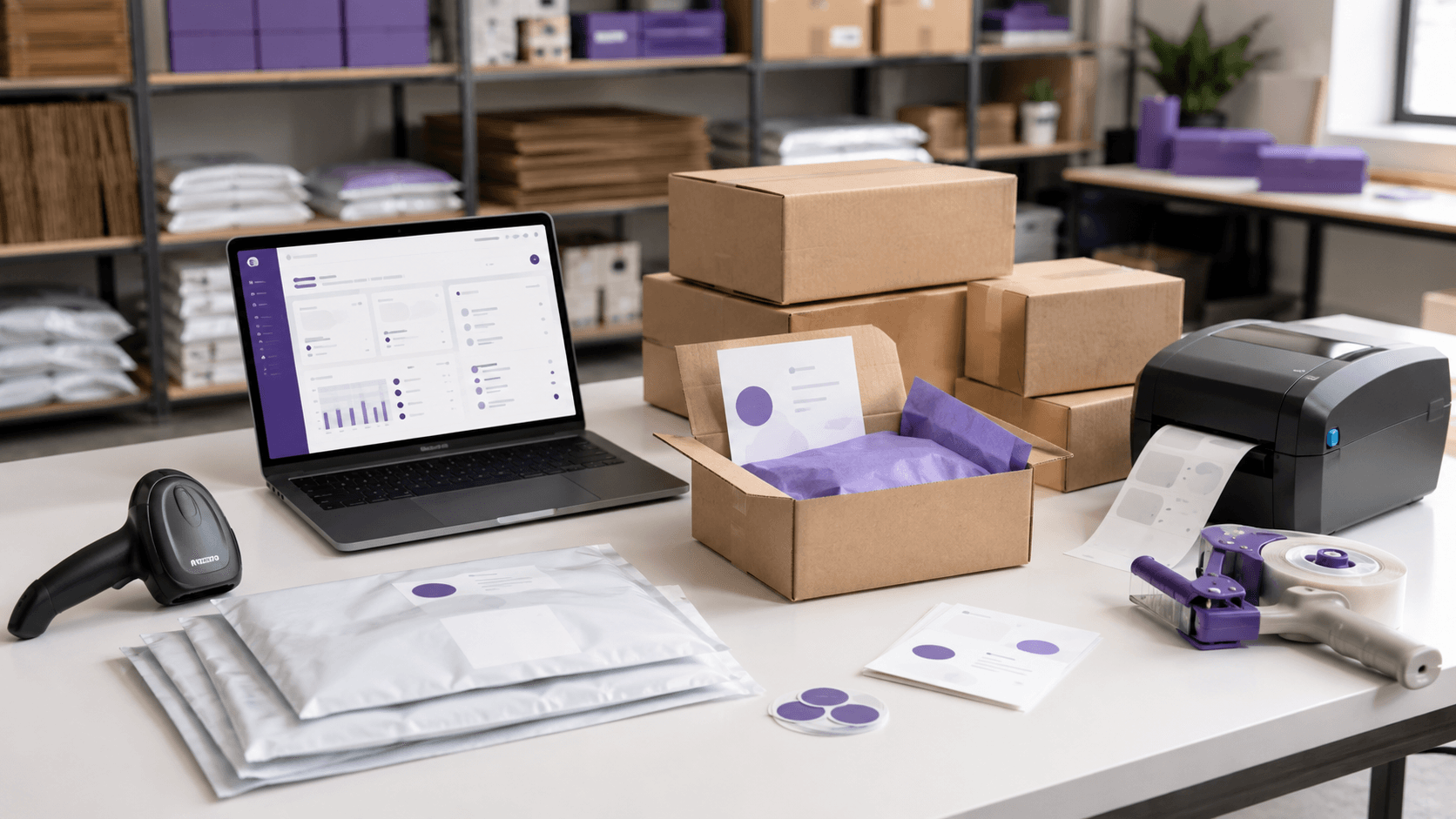
Fulfillment view
Imported Shopify orders move through Shiplox packing, dispatch, and tracking.
Shopify sourcing and fulfillment workflow
The app connects Shopify to the Shiplox workflow, while the Shiplox team coordinates sourcing, supplier review, warehouse handling, packing, fulfillment, and tracking.
Install the published app from the Shopify App Store and connect the store to the corresponding Shiplox merchant account.
Send a product link, image, brief, or Shopify product so Shiplox can review suppliers, MOQ, samples, and available cost details.
Review product cost, packaging, lead time, sample options, freight, and other applicable third-party costs before paying.
Shiplox receives approved inventory, coordinates the agreed checks, prepares packaging, records stock, and gets orders ready for dispatch.
Preview and import Shopify orders into Shiplox with duplicate protection and mapped-product fulfillment controls.
Shiplox prepares imported orders and sends available fulfillment and tracking information back to Shopify after dispatch.

China warehouse operations
Shopify provides the customer order. Shiplox coordinates the operational middle: sourcing, supplier details, inventory receiving in China, packaging preparation, order fulfillment, and tracking updates.
Why Shopify merchants use Shiplox
Shiplox combines a Shopify app with a sourcing and fulfillment operation for merchants who need help finding products, comparing costs, handling warehouse work, and shipping approved inventory.
Send product links, images, or Shopify product references and receive a structured path for supplier and quote review.
After a quote is accepted and inventory is ready, Shiplox can receive the goods, prepare packing, coordinate warehouse handling, and fulfill imported Shopify orders.
Preview Shopify orders before import. When an imported order is dispatched, available fulfillment and tracking updates are sent back to Shopify.
App links and billing
The Shiplox Shopify app is free to install. Supported sourcing, basic quality checks, receiving, standard storage, Shopify synchronization, and fulfillment carry a $0 Shiplox service fee. Merchants separately approve products and applicable third-party costs such as freight, packaging, duties, taxes, returns, and reshipments.
No Shiplox app subscription or usage fee is charged through Shopify under the current plan.
Review product and applicable third-party costs before payment.
Used for the supported product, order, fulfillment, and tracking workflows.
Support is available for store setup, sourcing, and fulfillment questions.
Shopify app FAQ
Shiplox is a Shopify app for merchants who need a guided workflow for China product sourcing, supplier quote review, warehouse handling, Shopify order import, fulfillment, returns, reshipments, and tracking updates.
Yes. You can submit a sourcing request first, then connect Shopify when you need product draft creation, order import, fulfillment updates, and tracking synchronization.
When approved inventory is received and mapped for fulfillment, Shiplox can prepare imported orders, dispatch parcels through the selected logistics service, and return available tracking updates to Shopify.
The current Shopify listing is free to install. Supported Shiplox operating services carry a $0 Shiplox service fee, while products and applicable third-party costs such as freight, packaging, duties, taxes, returns, and reshipments remain separate.
Shiplox Shopify app
Sourcing, warehouse fulfillment, and tracking synchronization.
Install Shiplox on Shopify or create a Shiplox account and begin with a sourcing request. When approved inventory is ready, Shiplox can support order import, China warehouse fulfillment, and tracking updates back to Shopify.